

Capabilities
The onboarding flow supports:- new school registration
- first-admin creation
- school identity setup
- rollout and plan selection
What the onboarding flow collects
The app onboarding flow is organized around five steps:- school profile
- admin access
- contact details
- location
- plan and channel
Information to prepare
Before starting, have these ready:- official school name
- preferred school acronym
- primary admin PIN or password policy decision
- school email and phone
- school address, city, country, and state/region
- expected rollout size or plan
Acronym and admin identity
The school acronym matters operationally because it becomes part of the school identity and user credential patterns. The onboarding flow also derives the first administrative identity from that acronym, so choose it carefully and keep it short, readable, and stable.Practical guidance
- treat onboarding as the creation of a live school workspace
- keep the first admin access secure
- verify contact and location details before submission
- choose the intended rollout size honestly so the school starts on the right path
After onboarding
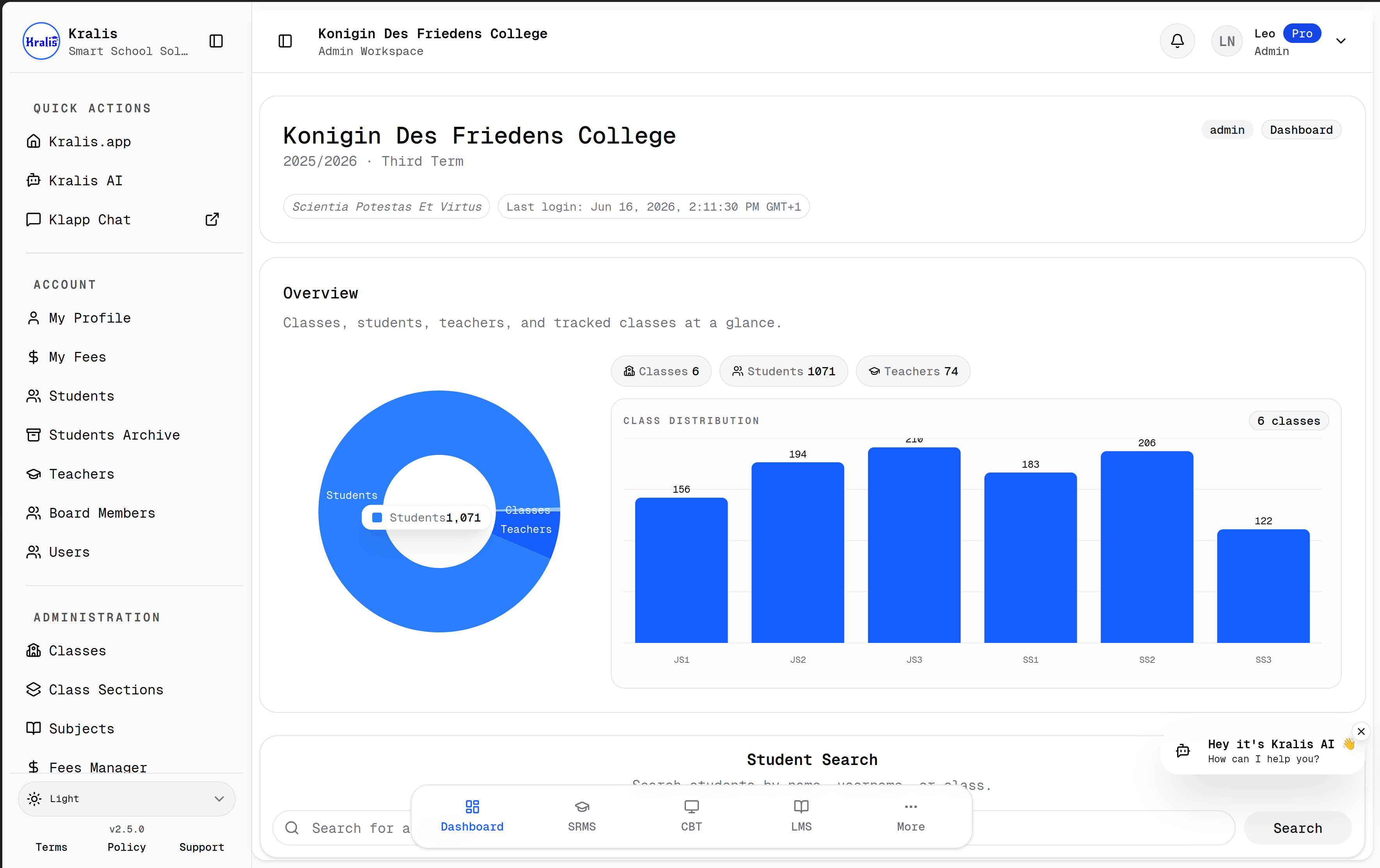
The next recommended order is:- review school settings
- create the academic year and terms
- create classes, sections, and subjects
- create staff and student accounts
- begin module-specific work such as results, CBT, LMS, Classroom, attendance, or fees
Developers building a custom client use the same onboarding flow. The school can be configured through Kralis Web before the custom client calls its API data.