

- Quickstart for the fastest path from a new school account to daily use.
- Changelog for product launches, improvements, and important fixes.
- Onboarding for school setup and student or teacher details submissions.
- Install Kralis for device access options.
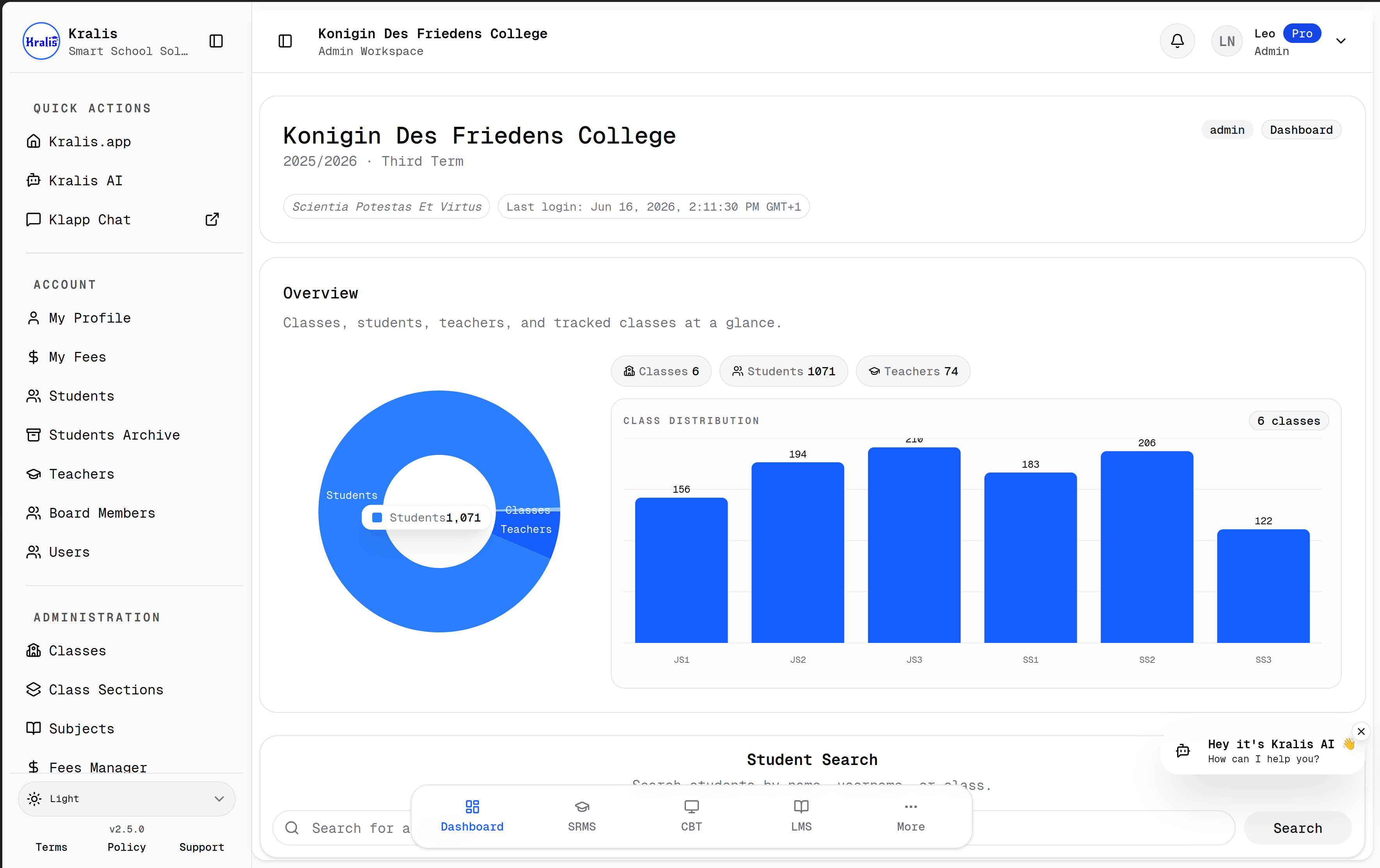
- Dashboard and Navigation for module tabs and role-dependent shortcuts.
- School Setup for academic structure, users, and Access PINs.
- Roles and Daily Use for admin, dean, teacher, and student workflows.
- Students for creating, importing, moving, and reviewing students.
- Promotions for year-end class promotion history and execution.
- Get Help for support guidance.
- Reference for API surfaces and terminology.
- Developer Guide for architecture, API, and release expectations.
- Integrations for supported partner workflows and APIs.
Capabilities
Kralis supports:- school setup and academic structure
- role-based school operations
- student records and imports
- academic results and reports
- attendance workflows
- CBT workflows
- LMS workflows
- live Classroom events, video meetings, recordings, and whiteboards
- fees and payment workflows
- API-driven integrations
Product areas
- School setup: years, terms, classes, sections, subjects, users, permissions
- Students: create, import, update, archive, and move between classes
- Results: annual records, scores, reports, promotions
- Attendance: daily attendance and summaries
- CBT: question banks, tests, attempts, and results
- LMS: courses, content, enrollment, and progress
- Classroom: live media, scheduling, access, attendance, recordings, whiteboards, and collaboration groups
- Fees: fee structures, assignments, and payments
Documentation audiences
- school operators who need product guidance
- implementation teams who need workflow and terminology clarity
- developers working on Kralis or integrating against its APIs